Autoplay video on hotel websites: does it hurt conversions?
Stop treating your hotel’s homepage like a movie theater. The autoplay video — the one that throws a lobby drone shot at a guest the second they arrive — can become a booking liability when it…
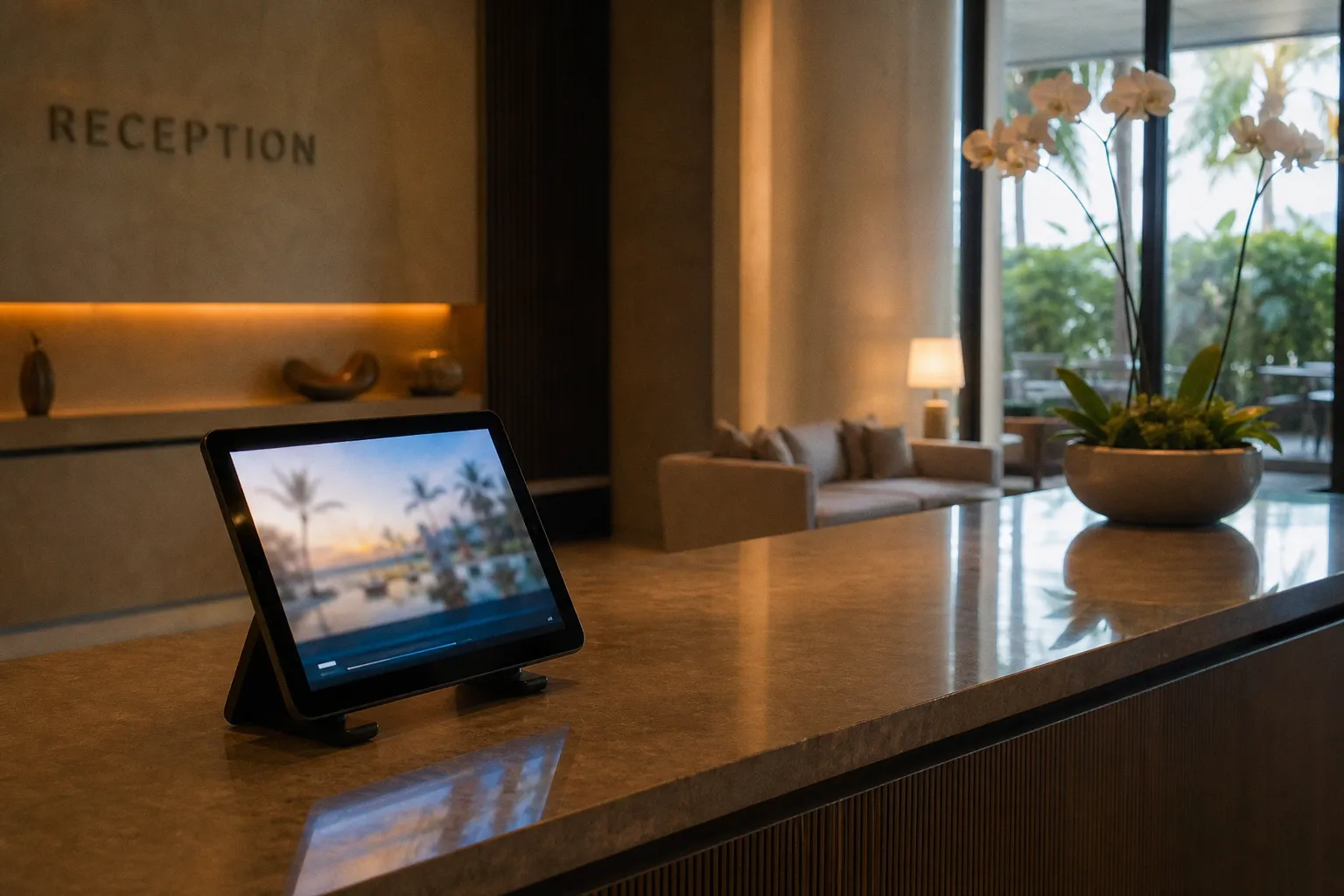
Stop treating your hotel’s homepage like a movie theater. The autoplay video — the one that throws a lobby drone shot at a guest the second they arrive — can become a booking liability when it arrives with sound, excessive file weight, or motion the visitor never asked for.
That does not make every autoplay video a mistake. A short, muted background loop can create atmosphere on a carefully built homepage. It can show the light in the courtyard, the shape of a pool, or the relationship between a hotel and its location before a visitor reads a word. But the format only works when the technical cost is controlled and the video is doing a branding job rather than interrupting a booking task.
So, in the debate around hotel website video autoplay vs click to play, the useful answer is not “one format always wins.” Autoplay is risky when it competes with the page. Click-to-play is usually the more defensible choice when the visitor is close to making a room or rate decision, because the action itself signals interest.
The hidden cost of autoplay: bounce rates and page speed
Kill the romantic idea first. That sweeping 4K drone shot of your infinity pool may be beautiful. It may also be a large asset arriving before the visitor has seen the room price, cancellation policy, or even the booking button.
Video adds several costs at once:
- The browser has to discover, request, and decode the asset.
- Mobile users may be downloading it over a limited or expensive connection.
- The page must still render navigation, room information, dates, and calls to action around it.
- Motion can distract from the next decision instead of helping the visitor make it.
- A video that looks elegant on a desktop screen may dominate a small mobile display.
The familiar performance warning is often quoted too loosely. Research cited in web-performance discussions has found that a delay beyond three seconds can increase bounce rates by 38%. That is not a claim that every additional second adds another 38%, and it is not a universal prediction for every hotel website. It is a warning about the direction of travel: once the page is slow enough to test a visitor’s patience, the video is no longer a neutral design element.
A hotel homepage does not need to feel instant in exactly the same way as a search page, but the booking journey has very little tolerance for unexplained waiting. A guest who has arrived from a metasearch result may already be comparing several properties. If the hero video delays the room content, the visitor does not experience the creative ambition behind the asset. They experience an empty space, a spinner, or a page that appears to be broken.
The technical tax is particularly visible when a marketing team uploads the same high-resolution file used in a campaign film and places it directly in the hero. That file may be perfectly suited to a controlled presentation. It is not automatically suited to a hotel landing page.
A practical background video should be treated as a constrained interface asset:
- Keep the file as light as the visual job allows rather than setting a size target and accepting any quality loss blindly.
- Use responsive delivery so a phone is not handed a desktop-sized file.
- Provide a poster image for the period before playback begins and for browsers or users that do not receive the video.
- Preload selectively. Making every visitor wait for the video before the useful content appears is rarely justified.
- Keep the loop short enough that it communicates one idea instead of becoming a silent feature film.
- Test the page on an ordinary mobile connection, not only on the office Wi-Fi and the latest laptop.
The same principle applies to the booking engine. A video that is acceptable as a decorative layer on the homepage may be entirely wrong beside a date picker. The closer the visitor is to selecting dates, a room, or a rate, the more expensive distraction becomes.
A hotel video is not free just because it is muted. The browser still has to fetch it, decode it, and make room for it in the visitor’s attention.
What sound changes
Unexpected sound is the easiest way for autoplay to feel hostile. Browsers have responded by restricting sound-on autoplay under common conditions, but the restriction is not identical everywhere and does not mean that audio autoplay is universally impossible. Playback may depend on browser policy, user interaction, site engagement, device settings, or whether the media is muted.
That is a poor foundation for a booking experience. A property should not design around the hope that a browser will permit a soundtrack. If the story only works with music or narration, make the audio an explicit choice. Give the visitor a visible play control and a reason to use it.
Muted autoplay is less intrusive, but “less intrusive” is not the same as “good for conversion.” Silent motion can still slow the page, obscure text, compete with a form, or create visual fatigue. The right question is not whether the browser allows the loop. It is whether the loop earns its place on the page.
Why click-to-play can drive higher booking intent
The attraction of click-to-play is not that a play button possesses some magical conversion property. It is that the click creates a small but meaningful act of intent.
A traveler who selects a room tour has already decided that the video may help answer a question. Is the room bright enough? Does the terrace really connect to the room? Is the bathroom layout suitable? Does the “sea view” look like an actual view or a narrow slice between buildings? The video is now responding to a need rather than demanding attention before the visitor has formed one.
That distinction matters on a hotel landing page. Autoplay is useful for showing atmosphere at a glance; click-to-play is better suited to information that a visitor chooses to investigate.
There are conversion figures associated with video-placement tests that illustrate the difference in behavior. In one cited landing-page comparison, click-to-play reached a 41.2% conversion rate while autoplay on the same layout reached 9.7%. The 9.7% figure is a conversion rate in that test, not the percentage of users who avoided bouncing. It should not be transplanted directly onto a hotel booking engine as if it were a guaranteed result.
The context matters. A standard opt-in landing page, a hotel homepage, and a live booking engine are not interchangeable environments. A video test can show that user-controlled playback performed better in one layout without proving that the same lift will appear when guests are choosing dates and rates.
The same caution applies to lightbox results. Documented tests have reported a conversion increase from 6.5% to 13% for lightbox video compared with a no-video baseline, and roughly a 69% lift for inline video in another comparison. Those results are useful directional evidence about placement and user control. They are not direct A/B evidence for every hotel-booking-engine journey. A hotel should validate the effect against its own booking funnel.
Why can a lightbox still be attractive? It keeps the initial page relatively clean, lets the visitor open the content deliberately, and allows the video to occupy a larger frame once requested. The booking call to action remains nearby without forcing the user to navigate away from the decision.
| Format | Best use | Likely strength | Main risk |
|---|---|---|---|
| Muted background loop | Brand atmosphere on a homepage hero | Communicates mood quickly | Adds weight and motion before intent is established |
| Inline click-to-play video | Room, amenity, or location detail | Explains a specific feature in context | Can push useful content lower on the page |
| Lightbox click-to-play video | Landing pages and room-detail moments | Preserves the page layout while giving the video room to breathe | Can hide the close control or make the booking path feel interrupted |
| Autoplay with sound | Rare, tightly controlled campaign contexts | Immediate audiovisual impact when permitted | Browser restrictions, surprise audio, accessibility, and abandonment risk |
| Muted autoplay in a booking flow | Usually a weak fit | Keeps motion present without sound | Distracts from dates, rates, and room selection |
The pattern is simple, but not absolute: the more specific the visitor’s question, the more valuable it is to let the visitor request the answer. A room tour selected from a room-detail page has a clearer job than a generic property montage running behind the booking form.
Technical standards for silent background loops
If a silent loop belongs on the homepage — and there is a real argument for it at boutique, design-led, and destination properties — make it behave like part of the interface rather than a film that happens to be embedded in one.
Start with the first frame. The poster image should communicate the hotel even if the video never plays. It should not be a black rectangle, an accidental compression frame, or a logo placed over a visually empty shot. A visitor may see the poster because of bandwidth conditions, browser settings, data-saving preferences, reduced-motion settings, or a delayed connection.
Then look at the file itself. The draft target of under 5MB can be a useful discipline for a short loop, but it is not a universal law. A low-resolution file that produces muddy faces and broken edges is not a successful optimization. Conversely, a visually perfect 20MB asset is not justified merely because the property has invested in a cinematic production. The right budget depends on duration, dimensions, encoding, delivery method, and the importance of the content.
Bitrate also needs context. A range around 800k to 1500k may be workable for a restrained background loop, but it should be tested against the actual frame size and movement in the shot. A static pool surface compresses differently from a crowded breakfast terrace full of moving people. Setting a bitrate mechanically can produce either a needlessly heavy file or an image that looks visibly damaged.
A workable production brief usually includes:
1. A short loop with one visual idea: arrival, light, water, landscape, or the relationship between the hotel and its setting.
2. A strong poster frame that works without motion.
3. Muted playback and no dependence on audio for meaning.
4. Captions or on-screen text when the video contains information rather than pure atmosphere.
5. A pause or reduced-motion path for visitors who do not want animated backgrounds.
6. A fallback image that preserves the layout and the booking call to action.
7. Testing on current mobile devices, older phones, and realistic network conditions.
8. Measurement of both performance and behavior rather than treating a view as a booking.
Loop length deserves particular attention. Fifteen seconds is a sensible ceiling for many background treatments, not because a longer loop is forbidden, but because the visual point is usually clear well before that. If the visitor must watch a full minute to understand what the hotel is showing, the asset probably belongs behind a play button with a clear label.
The loop should also have a quiet visual hierarchy. Avoid placing high-contrast movement directly behind the rate, date, or reservation controls. A background video can be technically muted and still make a form harder to read. Darkening the footage, reducing movement, or moving the loop away from the primary action may improve the experience more than another round of compression.
The business effect should be measured separately from the booking effect. An atmosphere loop may improve brand engagement, interaction with the gallery, or time spent on a property page without producing an immediate increase in completed reservations. That does not make it useless. It means the hotel should not call every positive engagement signal a conversion lift.
Atmosphere video is a brand investment. Booking video is a decision aid. The production may look similar, but the job is not.
Optimizing video placement for the booking-engine journey
The booking engine is not the homepage. Stop building them on the same canvas.
The homepage’s job is orientation: location, mood, access, the promise of the stay. The booking engine’s job is selection: dates, occupancy, room category, rate conditions, and payment. A video inside that flow has to reduce a specific hesitation or clarify a specific product. If it merely repeats the hero film, it is spending attention without helping the reservation.
The strongest placements are usually close to the question they answer.
Room-detail pages
A room walkthrough belongs near the room category it describes, not in a generic video gallery where the visitor has to remember which room they were considering. A short, user-triggered clip can show the relationship between the bed, bathroom, balcony, desk, and view. It can also make differences between room categories easier to understand than a sequence of nearly identical photographs.
The title and thumbnail should be specific. “See the room” is weaker than “Walk through the Deluxe Courtyard Room.” The visitor should know what will open before they click.
If the booking button remains visible or easy to recover after the video closes, the clip can answer a question without breaking the reservation path. A modal should have an obvious close control, preserve the visitor’s scroll position, and avoid making the guest restart the room-selection process.
The date and rate-selection stage
The date selector is a particularly poor place for decorative autoplay. This is where a guest is comparing availability and price. A small, deliberate prompt may help if it addresses a real uncertainty — for example, what a room’s terrace looks like in the season being searched — but the video should not compete with the calendar.
A lightbox or expandable panel can work better than an always-running clip. It keeps the information available without making it part of the visual noise of the booking form. The hotel should also check whether the video remains usable when the booking engine is embedded in an iframe or loaded through a third-party reservation platform. A design that works on the marketing site may fail when the engine changes viewport size or keyboard behavior.
Pre-checkout reassurance
Near checkout, video has a narrow role. A short clip about the arrival experience, breakfast service, accessibility, or a frequently misunderstood facility may reduce hesitation. A generic montage of smiling guests is less useful. The visitor is not asking whether the hotel has a vibe; they are deciding whether the purchase feels safe and accurately represented.
Do not place an autoplay tour beside payment fields. It can move focus, compete with form validation, and make a high-stakes interaction feel less controlled. The booking engine should remain calm. If a guest chooses to open reassurance content, the route back to the form must be immediate.
Direct hotel-booking-engine A/B evidence for autoplay versus click-to-play is not always available, and results from general landing-page tests should not be presented as if they settle that question. The sensible approach is to use the broader evidence as a design hypothesis, then test the actual hotel funnel: room-detail engagement, progression to date selection, completion rate, abandonment, and revenue per session.
Mobile-first video: why 92% of viewers watch without sound
Mobile changes the argument because it changes both the technical conditions and the way video is consumed. Hotel discovery often begins on a phone, sometimes from a social post, a map result, or a comparison page. The visitor may be in a public place, using headphones that are not connected, or deliberately keeping the device silent.
A commonly cited viewing figure is that 92% of mobile viewers watch without sound, compared with 83% across devices. The exact proportion will vary by platform and audience, but the product implication is stable: a hotel video should make sense without audio.
That means:
- Captions or burned-in subtitles are necessary when speech carries the message.
- On-screen labels should identify the room, facility, or location rather than relying on narration.
- The first frame should make sense as a still image.
- The visual hook has to arrive quickly, but it should not be confused with a demand for instant spectacle.
- Controls must be large enough to use comfortably and must remain understandable when the video is opened in a modal.
- The play state, mute state, and close action should be visible and accessible.
A soundtrack can add emotion, but it should be an enhancement, not the only way the story works. A visitor who cannot hear the music should still understand whether the video is showing a room, a restaurant, a beach, or a spa.
Mobile also exposes bad prioritization quickly. A large autoplay asset may consume data before the guest sees the room list. A sticky booking bar can be pushed below a moving hero. A loop that is tasteful on a wide desktop layout can become a full-screen interruption when cropped for a phone. The hotel must test the mobile composition separately rather than assuming the desktop video will scale down gracefully.
The first few seconds still matter, but the common “hook” advice should not become an excuse for frantic editing. A hotel room tour can begin with the feature that answers the likely question: the view, the bed configuration, the balcony, or the bathroom. There is no need to open with an abstract logo animation and ask the visitor to wait for the useful part.
Likewise, completion rate should be interpreted in context. A short clip may be watched through because it is short; a longer clip may be valuable even if visitors leave after finding the information they needed. Time on page, video starts, room-detail interaction, progression to the booking engine, and completed reservations tell different parts of the story.
Desktop often converts at a higher rate than mobile, but the gap is not a reason to make mobile users endure a heavier experience. It is a reason to remove unnecessary friction where abandonment is already more likely. A large, silent video that delays the booking interface combines bandwidth cost with a weak information payoff. The visitor may return to an OTA not because the hotel’s film was unattractive, but because the competing page made the next step easier.
Choose the format that matches the job
Autoplay is not a strategy. It is a default. Defaults are useful until nobody asks what they are doing to the visitor.
Use a muted, compressed background loop when the homepage genuinely benefits from atmosphere and the page remains fast with the video present. Give it a poster image, a reduced-motion alternative, a responsive version, and enough contrast for the booking action. If removing the loop makes the page clearer and no meaningful behavior changes, the asset was decoration rather than a conversion tool.
Use click-to-play when the visitor needs to investigate a room, amenity, service, or location. Keep the title specific, place the video beside the relevant content, and preserve the booking path after playback. A lightbox can be effective on a landing page; an inline player may be more natural on a room-detail page. Neither format deserves a guaranteed lift without testing the actual audience and funnel.
Do not put a 20MB drone film with an orchestral score beside a booking form because it “looks premium.” Premium is not a performance metric. Nor is a video view automatically a booking signal. The useful questions are more grounded:
- Did the visitor reach the room information sooner or later?
- Did the video answer a question that was causing hesitation?
- Did room-detail engagement lead to more date searches?
- Did the booking completion rate change on mobile as well as desktop?
- Did the asset affect revenue per session, not just clicks on the player?
- Did users with reduced motion or limited bandwidth receive an equally clear experience?
The 9.7% figure from the cited autoplay comparison describes the conversion rate in that test; it is not a bounce statistic. The 38% figure describes an observed increase in bounce rates after a delay beyond three seconds; it is not a claim that 38% of hotel visitors leave at a four-second mark. Keeping those distinctions intact matters because a hotel team can make very different decisions depending on what the number actually measures.
Sound-on autoplay is not universally impossible, but it is generally restricted by modern browser policies and remains a poor default for hospitality websites. A guest should choose when audio begins. The hotel’s control over the experience should stop short of taking control away from the person trying to book.
Audit the hero asset and every video touchpoint in the booking flow. Measure file weight, rendering time, mobile behavior, interaction with the booking controls, and the progression from video engagement to reservation. Then test a concrete change: for example, move a room walkthrough from an autoplay placement to a clearly labeled click-to-play lightbox on the room-detail page.
The answer to hotel website video autoplay vs click to play is therefore conditional, but not vague. Autoplay can earn a place as restrained, silent atmosphere when the engineering holds up. Click-to-play is the stronger starting point for booking-intent content because it respects the visitor’s timing and gives the video a specific job. The format should follow the decision the guest is making — not the production budget behind the film.